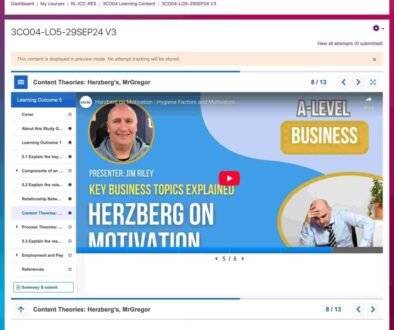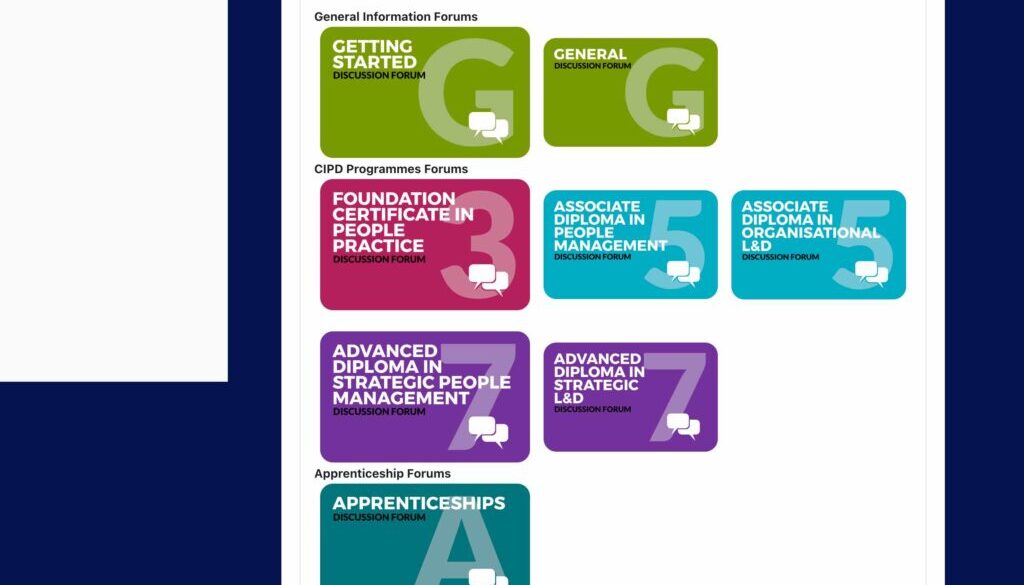
Centralised Discussion Forum Hub: VLE Design & Administration
Xelium worked with Reed Learning to design and implement a centralised discussion forum hub within their virtual learning environment. The aim was to create a single, structured space where learners and tutors across multiple programmes could easily access, follow, and contribute to course-related discussions—improving communication, visibility, and learner support.
The Challenge
With multiple qualifications and apprenticeship pathways running simultaneously, Reed Learning needed a clearer way to manage discussions:
- Conversations were distributed across courses, making them harder to track
- Learners struggled to find relevant forums quickly
- Tutors needed a more efficient way to manage and respond to discussions
- Navigation had to remain simple and effective on mobile devices
- The system needed to support automatic enrolment and ongoing cohort intake
The solution required both strong UX design and robust administrative setup.
Our Solution
Centralised Forum Hub Design
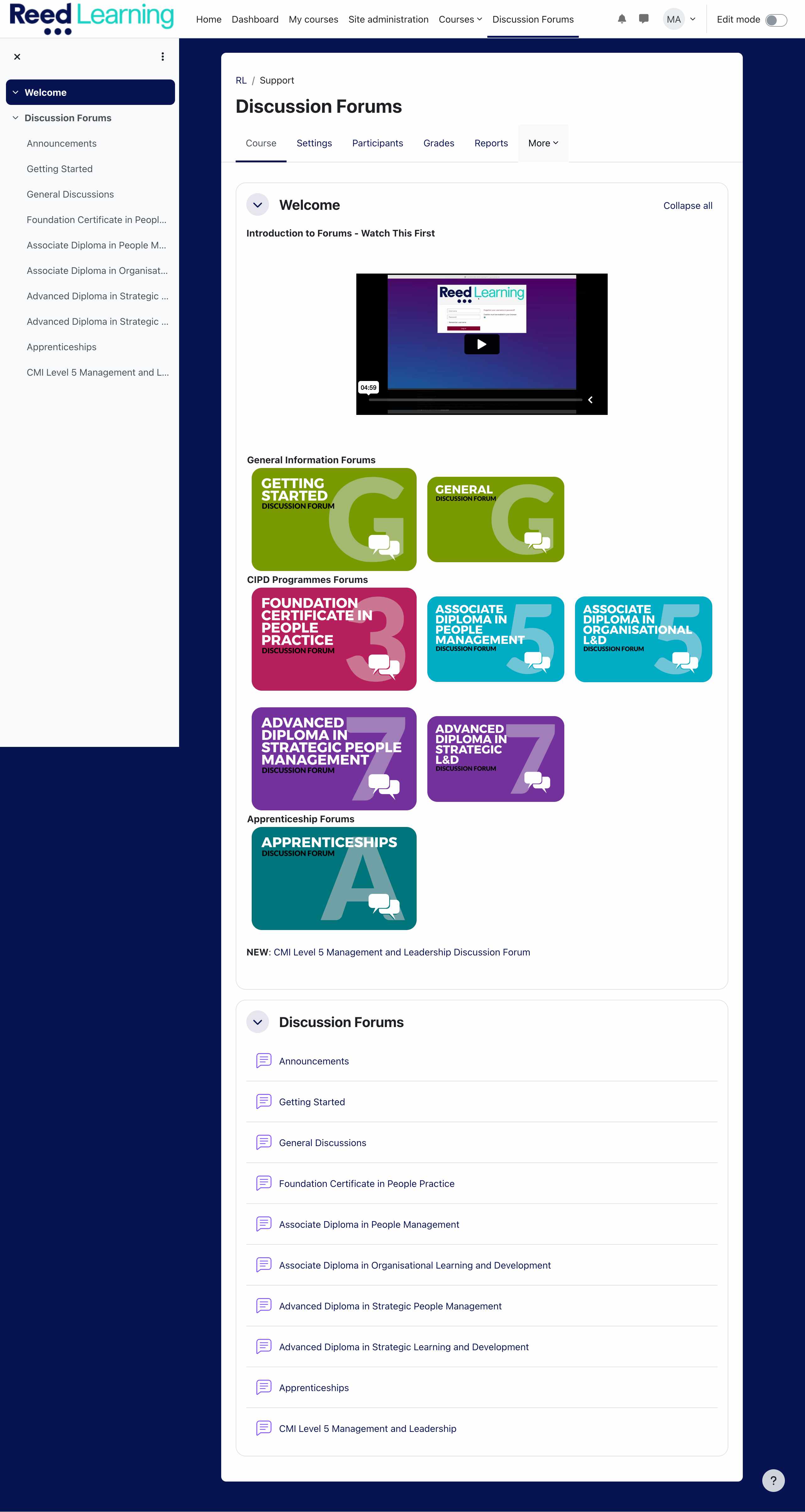 Xelium created a dedicated forum homepage acting as a single entry point for all discussions. The structure brings together forums across:
- Level 3
- Level 5
- Level 7
- Apprenticeship programmes
This centralisation ensures that all users—regardless of course—can easily locate and engage with relevant discussions.
Intuitive Navigation with Colour-Coded Buttons
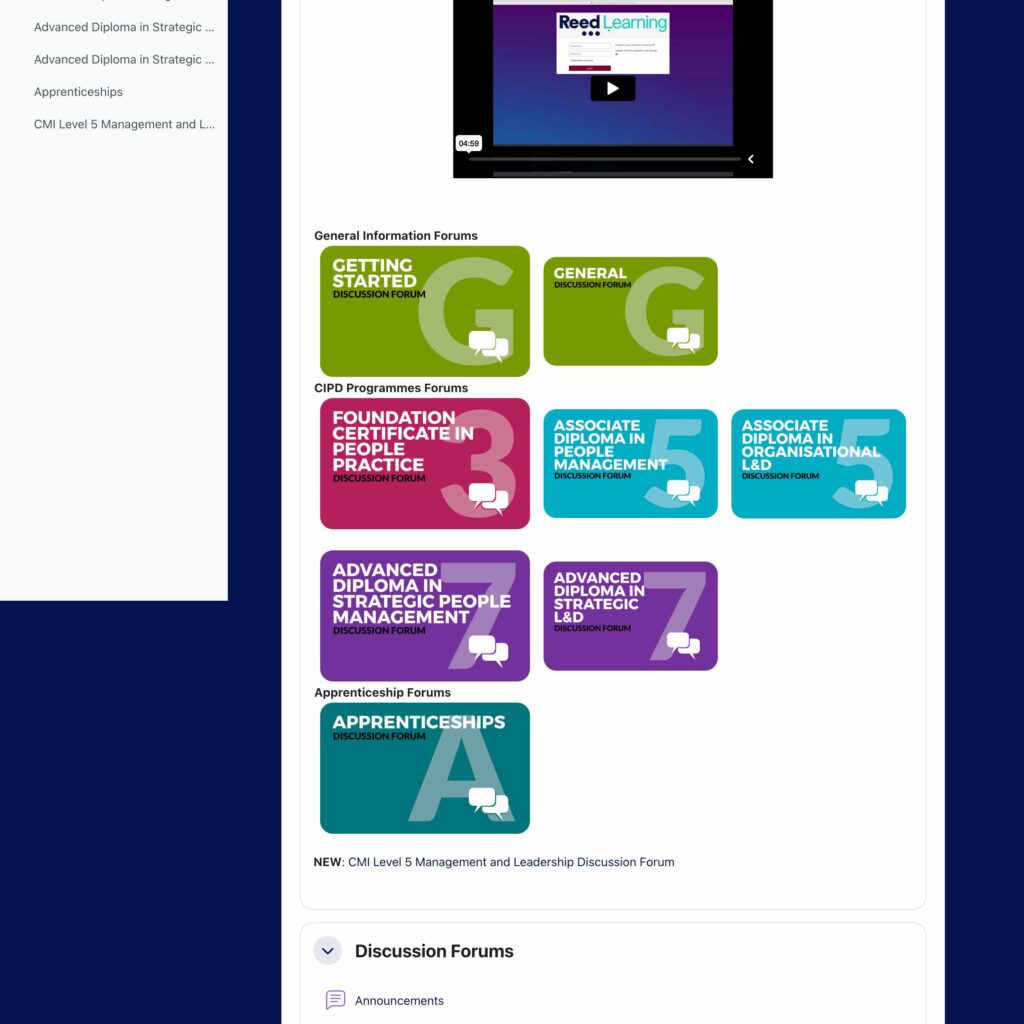
A series of visually distinct, colour-coded buttons were designed to provide clear, immediate access to each forum area:
- Getting Started Forum
- General Forum
- Foundation Certificate in People Practice
- Associate Diploma in People Management
- Associate Diploma in Organisational Learning & Development
- Advanced Diploma in Strategic People Management
- Advanced Diploma in Strategic Learning & Development
- Apprenticeships
This approach improves usability by:
- Reducing navigation friction
- Allowing quick visual recognition of pathways
- Supporting both new and returning users
Mobile-Friendly User Experience
The forum hub was designed with a mobile-first approach, ensuring:
- Responsive layout across devices
- Clear button interaction on smaller screens
- Consistent navigation experience for learners accessing content on the go
Embedded Orientation Video
To support onboarding, Xelium embedded an “Introduction to the Forum” video at the top of the page.
This provides:
- Clear guidance on how to use the forums
- Expectations for participation
- Immediate orientation for new learners
Forum Setup & Administration
Xelium delivered full backend configuration to ensure smooth operation:
- Creation and structuring of all forum spaces
- Assignment of tutors to relevant discussion areas
- Configuration of notifications to support timely responses
- Setup of cohort enrolment, automatically enrolling learners into the correct forums
This ensures the system remains:
- Scalable for new cohorts
- Efficient to manage
- Consistent across programmes
Impact
- Created a single, centralised hub for all course discussions
- Improved learner engagement and participation
- Made it easier for tutors to monitor and respond to discussions
- Reduced confusion and navigation barriers
- Enabled automated enrolment and scalable management
- Delivered a seamless experience across desktop and mobile
Key Services Provided
- VLE UX Design & Navigation Structuring
- Forum Architecture & Setup
- Moodle Configuration & Cohort Enrolment
- Tutor Role Assignment & Notification Setup
- Mobile-Responsive Interface Design
- Learner Onboarding Support (Video Integration)
This project demonstrates Xelium’s ability to combine user experience design, platform configuration, and learning strategy to create structured, scalable communication environments within a VLE.
By centralising discussions and simplifying access, Reed Learning now benefits from a forum system that supports both learner engagement and efficient tutor interaction.